

Markets
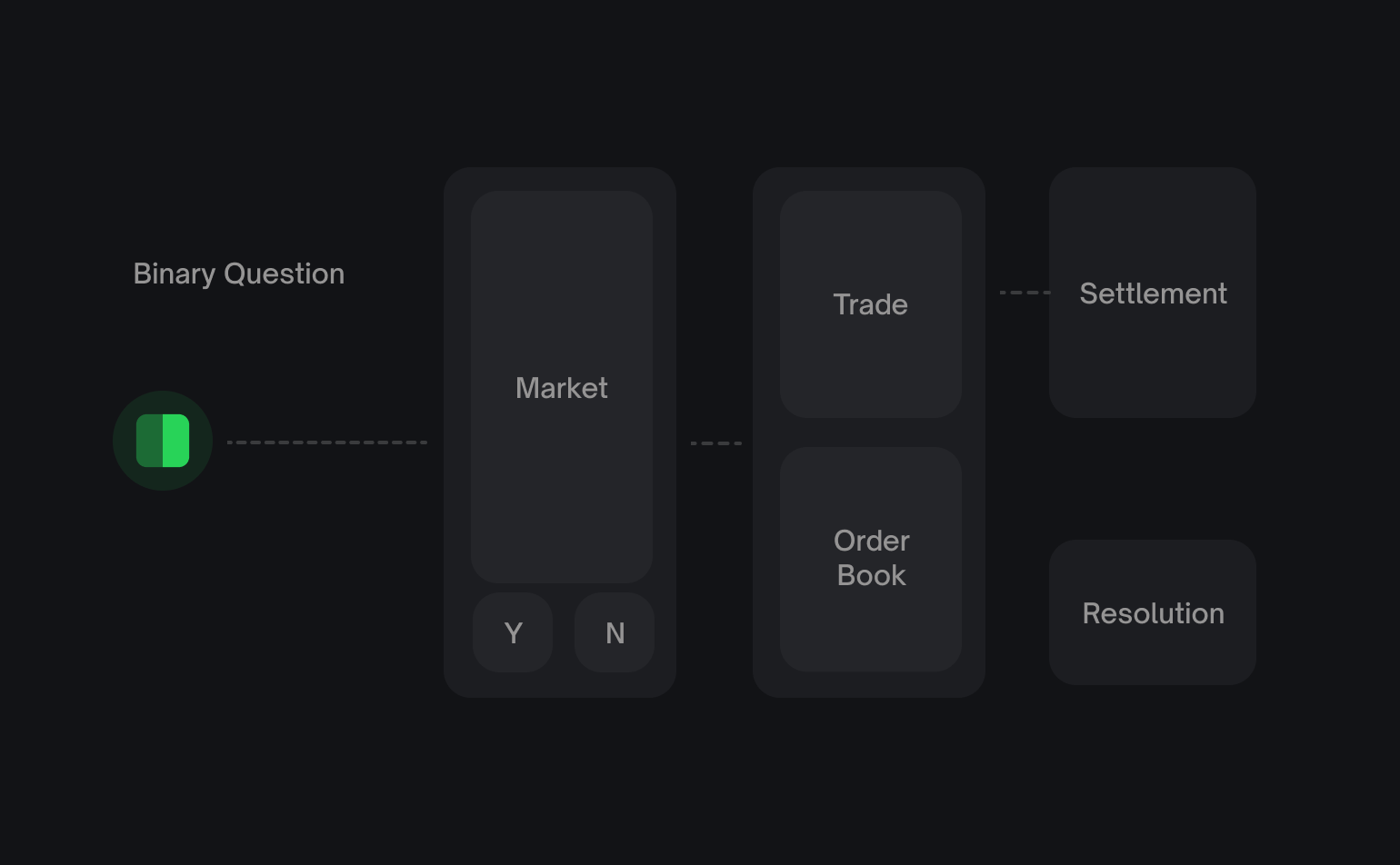
A market is the fundamental tradable unit on Polymarket. Each market represents a resolvable condition with Yes and No outcomes.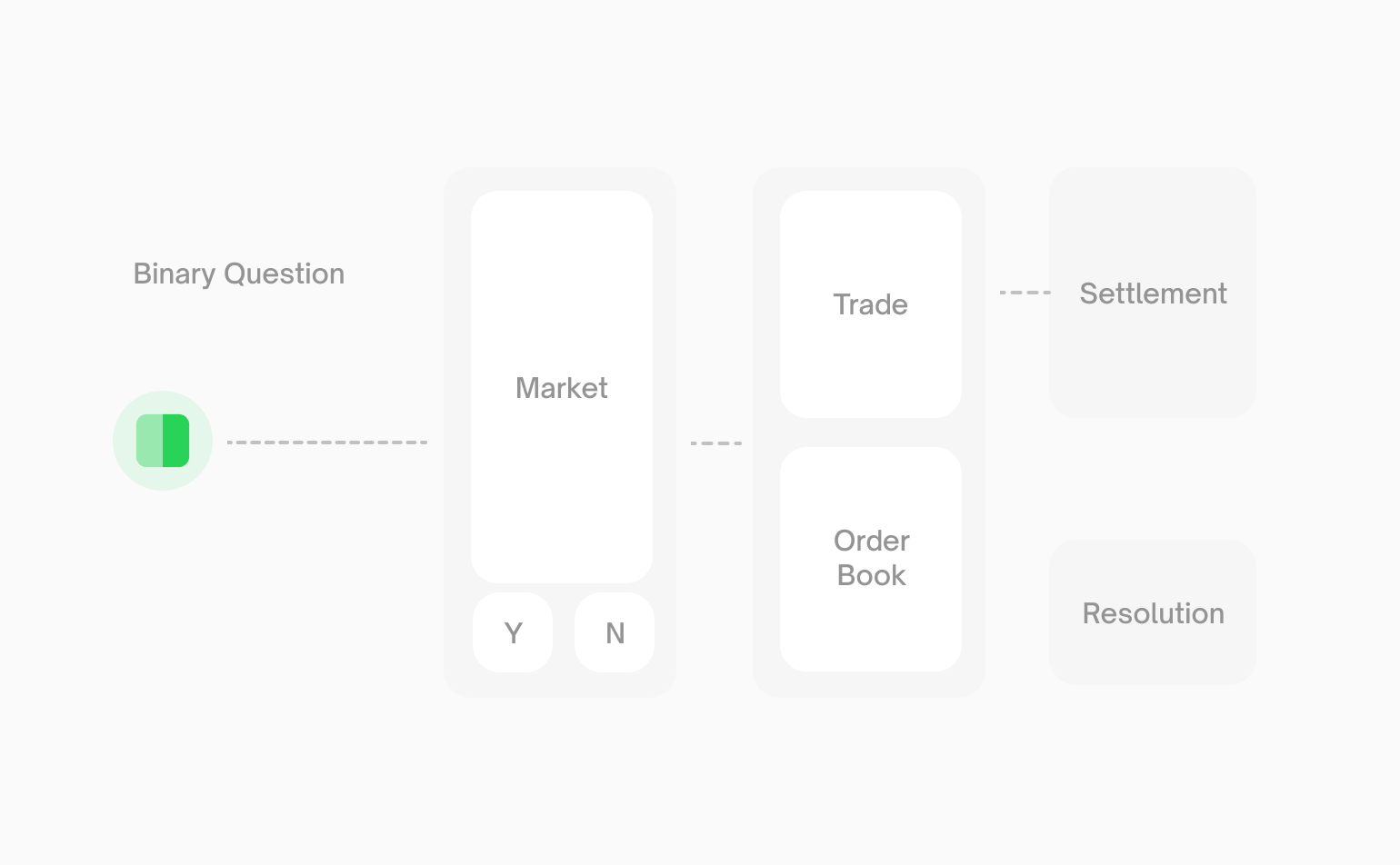
Markets can only be traded via the CLOB if
enableOrderBook is true. Some
markets may exist onchain but not be available for order book trading.Market Example
A simple market might be:“Will Bitcoin reach $150,000 by December 2026?”This creates two outcome positions:
- Yes position - Redeemable for
$1if Bitcoin reaches$150k - No position - Redeemable for
$1if Bitcoin doesn’t reach$150k
Events
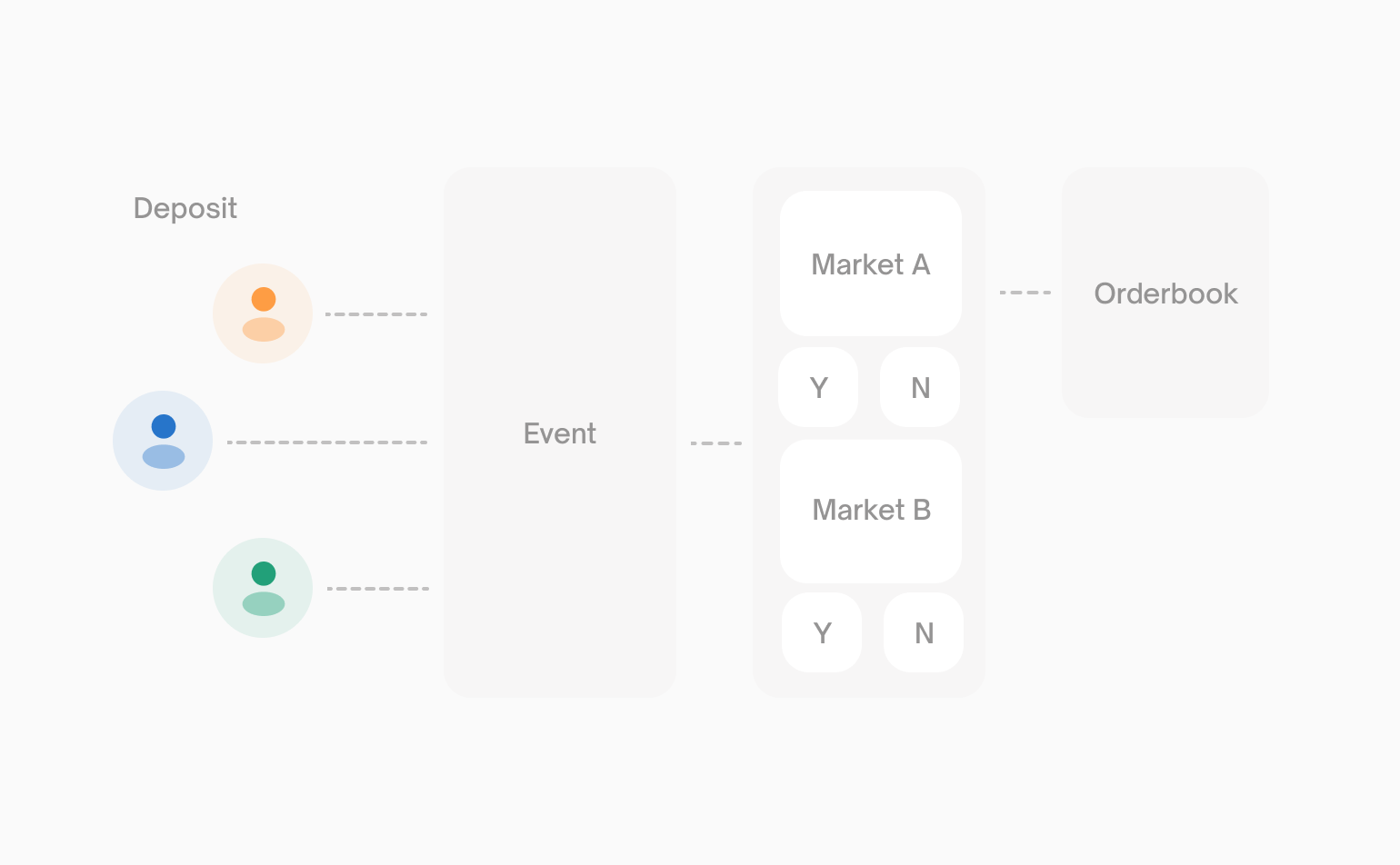
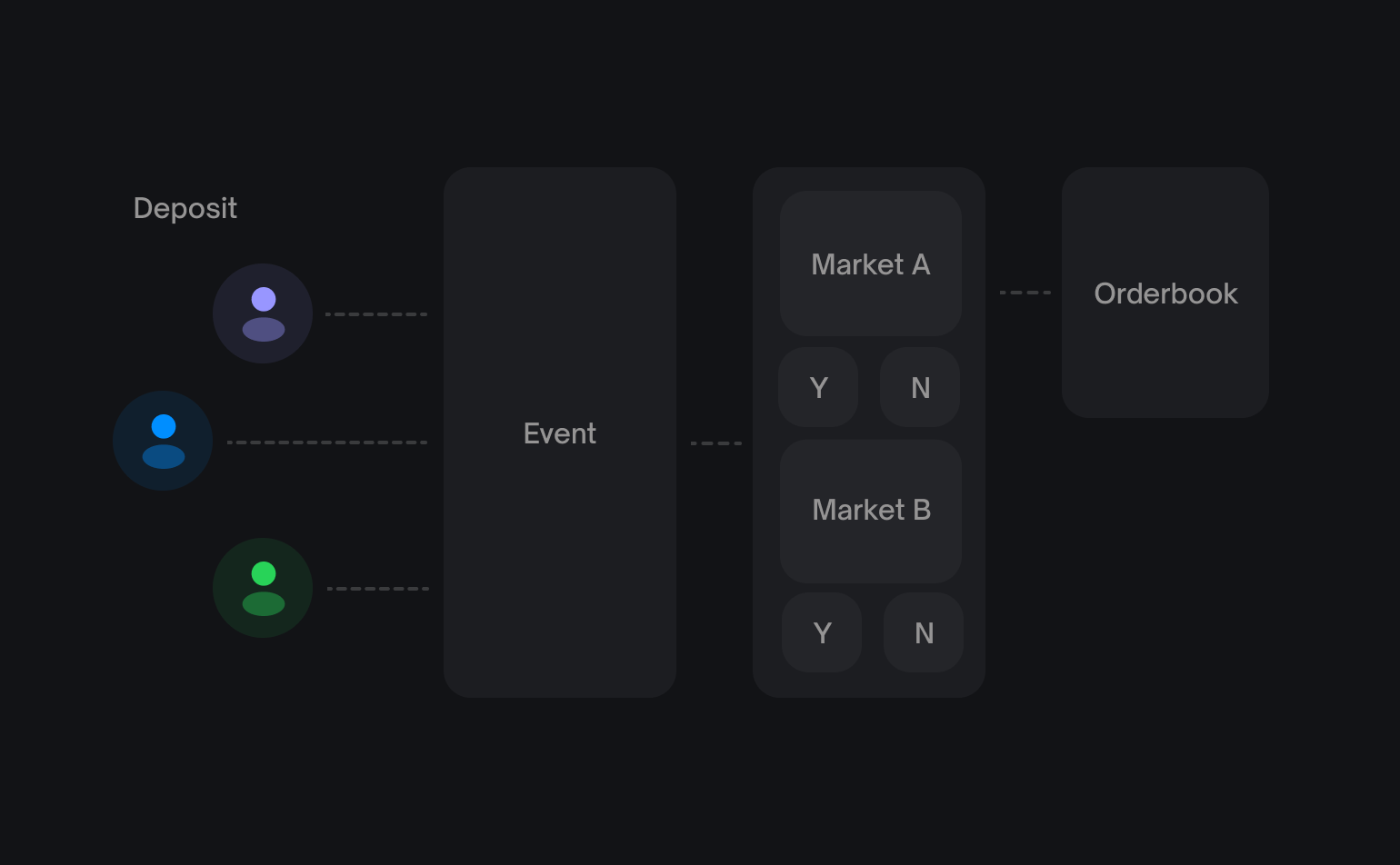
An event is a container that groups one or more related markets together. Events provide organizational structure and enable multi-outcome predictions.Single-Market Events
When an event contains just one market, it creates a simple market pair. The event and market are essentially equivalent.Multi-Market Events
When an event contains two or more markets, it groups related binary questions under one event. Some multi-market events represent mutually exclusive outcomes. Polymarket links these mutually exclusive markets as a negative-risk group. Exactly one market in the group resolves Yes, while every other market resolves No.Identifying Markets
Every market and event has a unique slug that appears in the Polymarket URL:Sports Markets
Specifically for sports markets, outstanding limit orders are automatically cancelled once the game begins, clearing the order book at the official start time. However, game start times can shift — if a game starts earlier than scheduled, orders may not be cleared in time. Always monitor your orders closely around game start times.Next Steps
Prices & Orderbook
Learn how prices are determined and how the order book works.
Fetching Market Data
Start querying markets and events from the API.