

Understand the Data Model
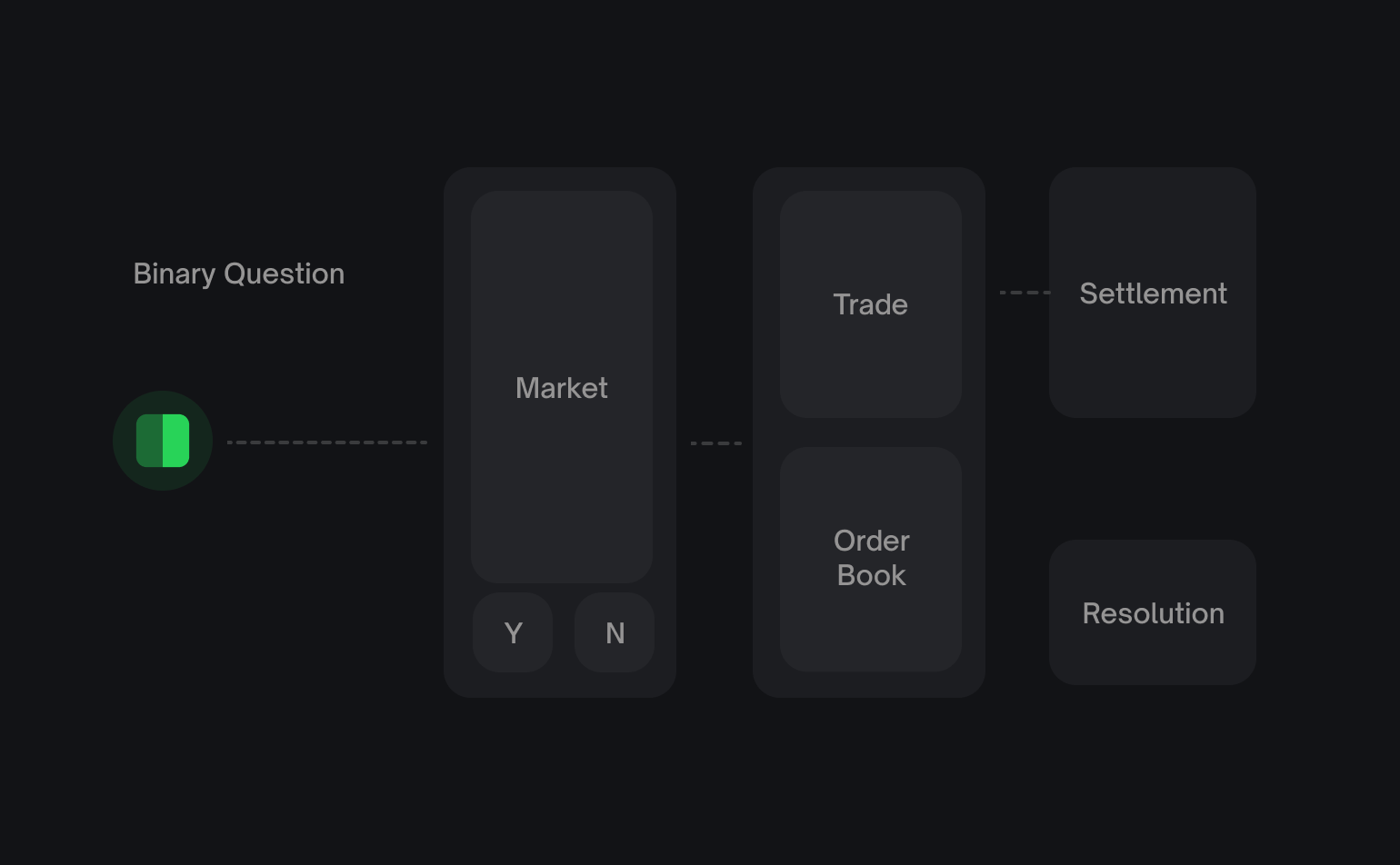
On Polymarket, an event groups one or more markets. Each market is a tradable question with YES and NO outcomes, and each outcome has its own ID. Use the ID for the outcome whose price or order book you want to read.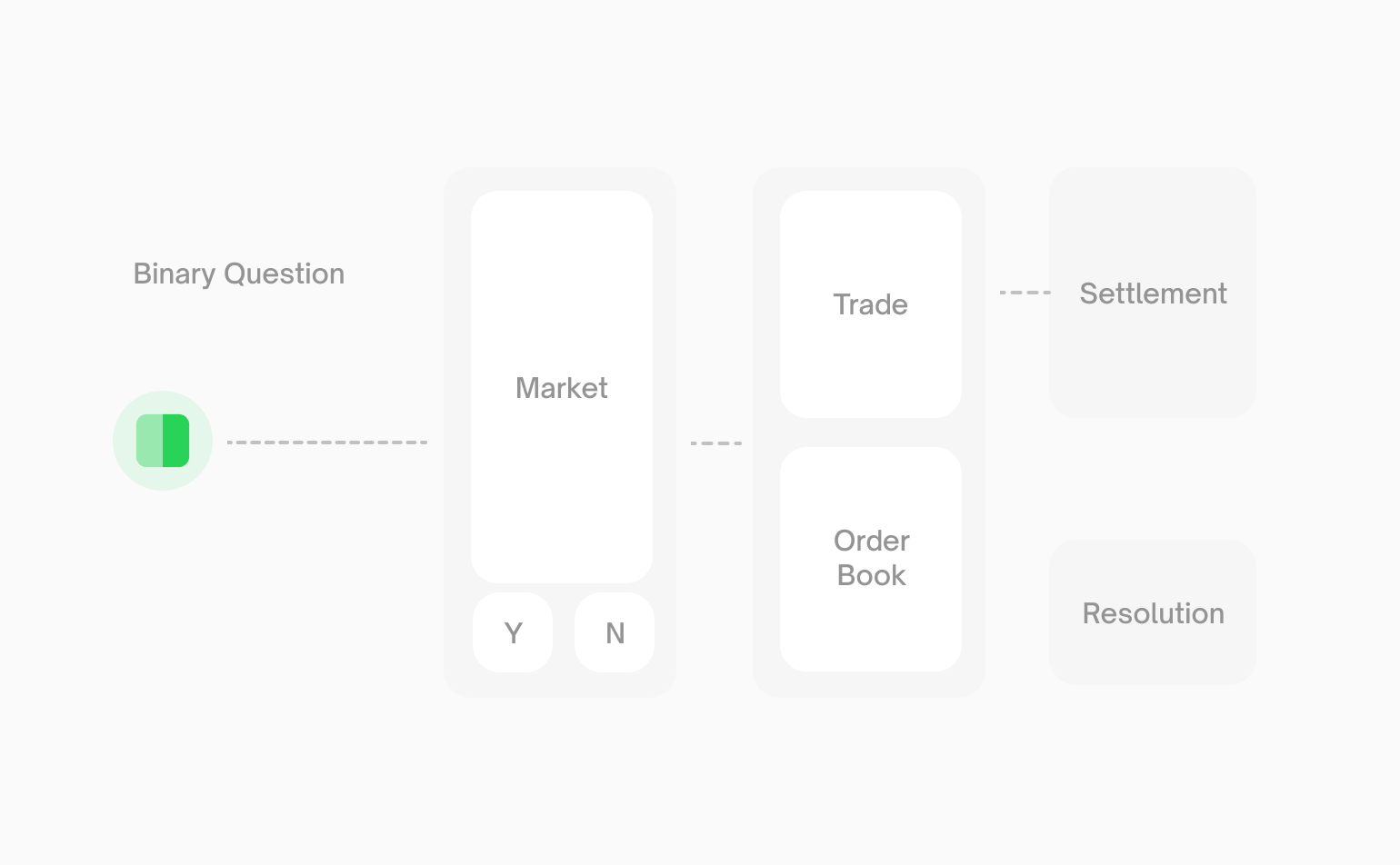
1
Discover an event
Browse active events, search by topic, or fetch an event directly from its
Polymarket URL.
2
Select a market
Inspect the event’s markets and choose the specific question your app cares
about.
3
Choose an outcome
Choose YES or NO and keep its ID. You’ll use it to read prices, access the
order book, and place orders.
4
Read or stream data
Use the identifiers you’ve collected to retrieve or stream the market data
your application needs.
Choose a Workflow
If you are new to Polymarket market data, start with Discover Markets.Discover Markets
Find the events and markets your application cares about.
Get Market Details
Understand a market’s outcomes, status, trading constraints, fees, and other
properties.
Prices and Order Books
Understand current pricing and liquidity, or inspect how prices have
changed.
Analytics
Analyze market activity and compare trader and builder performance.
Real-Time Data
Keep your application current as markets and related data change.
Chainlink TWAP Prices
Stream Chainlink-computed 60-second time-weighted crypto prices.